Dayce
A Flutter app for managing schedules and diary entries by date in one place
Built for 2026 NE:XT CONTESTKorea University College of Informatics · 2026.03 – 2026.05
- Period
- 2026.03 – 2026.05
- Type
- Solo project
- Team
- Solo
- Role
- Solo developer (planning and development)
- Status
- Completed
- Deployment
- Download AvailableGitHub Releases
AI ToolsClaude Code
GitHub Repository
Summary
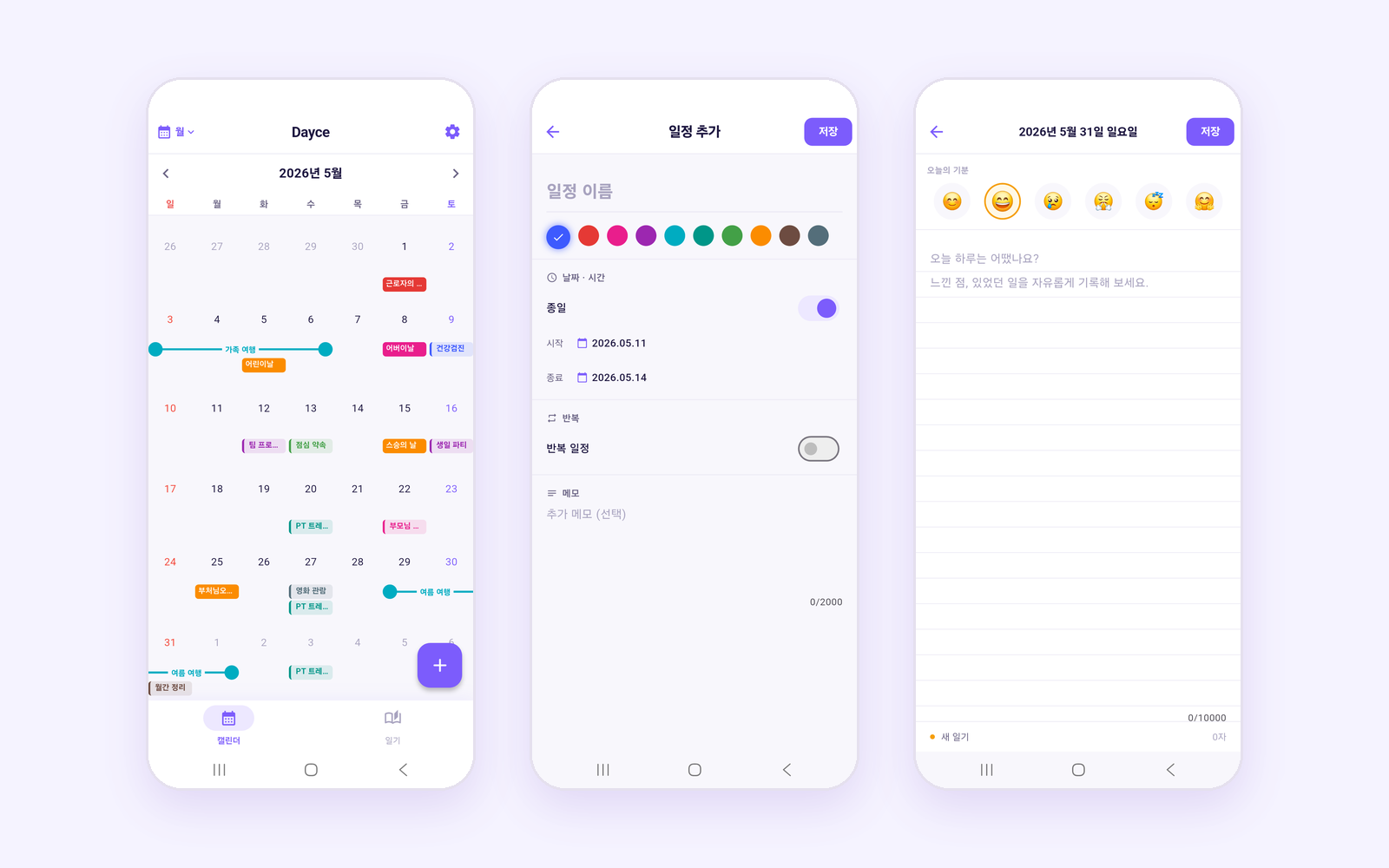
A Flutter mobile app for managing schedules and diary entries by date in one app. It was built solo through vibe coding with Claude Code and entered in 2026 NE:XT CONTEST, the software competition of Korea University’s College of Informatics. It offers day, week, month, and year calendar views, recurring and multi-day events, and diary entries with a mood emoji, and stores all data in on-device SQLite.
What I Did
- Built the entire app through vibe coding with Claude Code
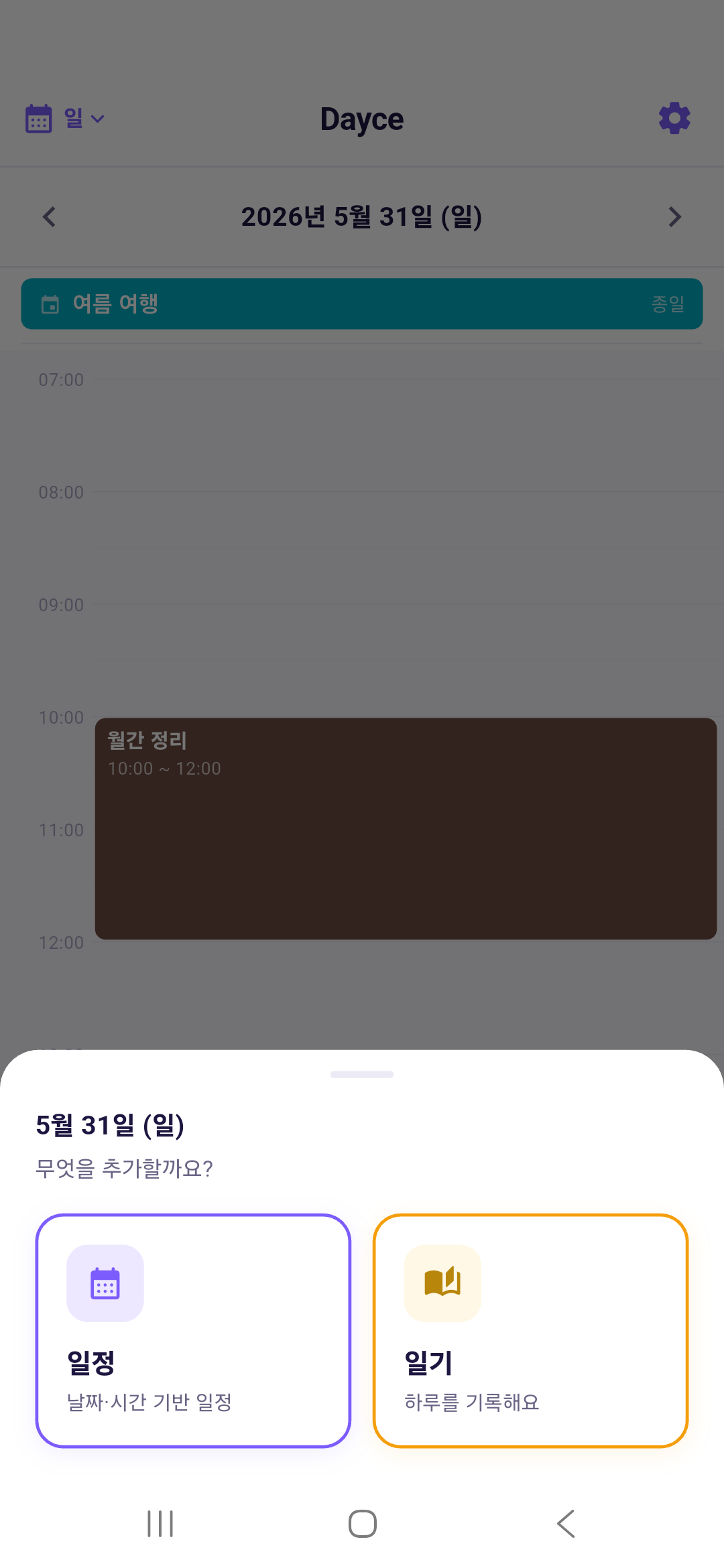
- Planned a service combining schedules and diaries and defined its features
- Fixed screen layouts that overlapped the system navigation bar
- Produced the demo video and wrote the contest proposal and report
Screens
 View full size (new tab)
 View full size (new tab)
 View full size (new tab)
 View full size (new tab)
 View full size (new tab)
 View full size (new tab)
 View full size (new tab)
Key Features
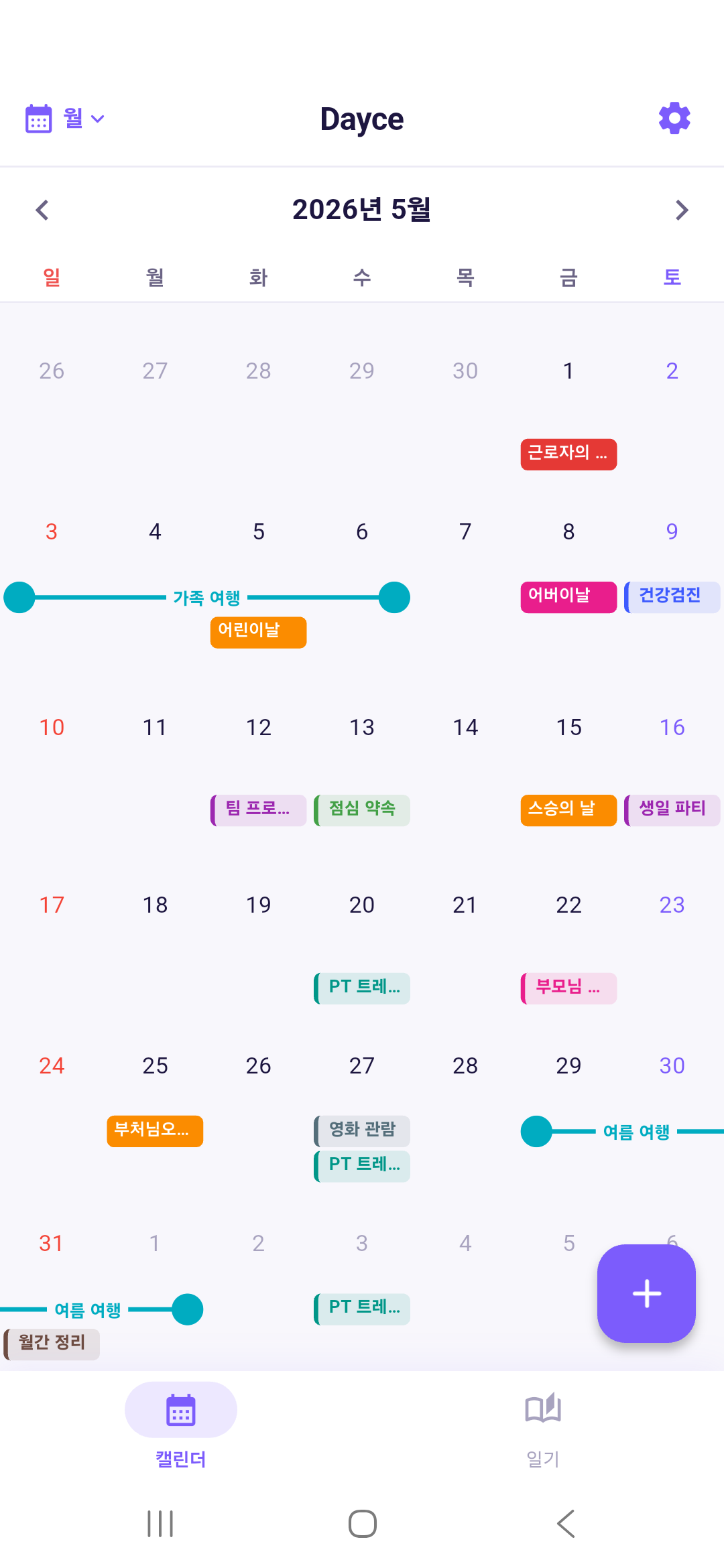
- Day, week, month, and year views
- Switches between four views and moves through dates by swiping.
- Event management
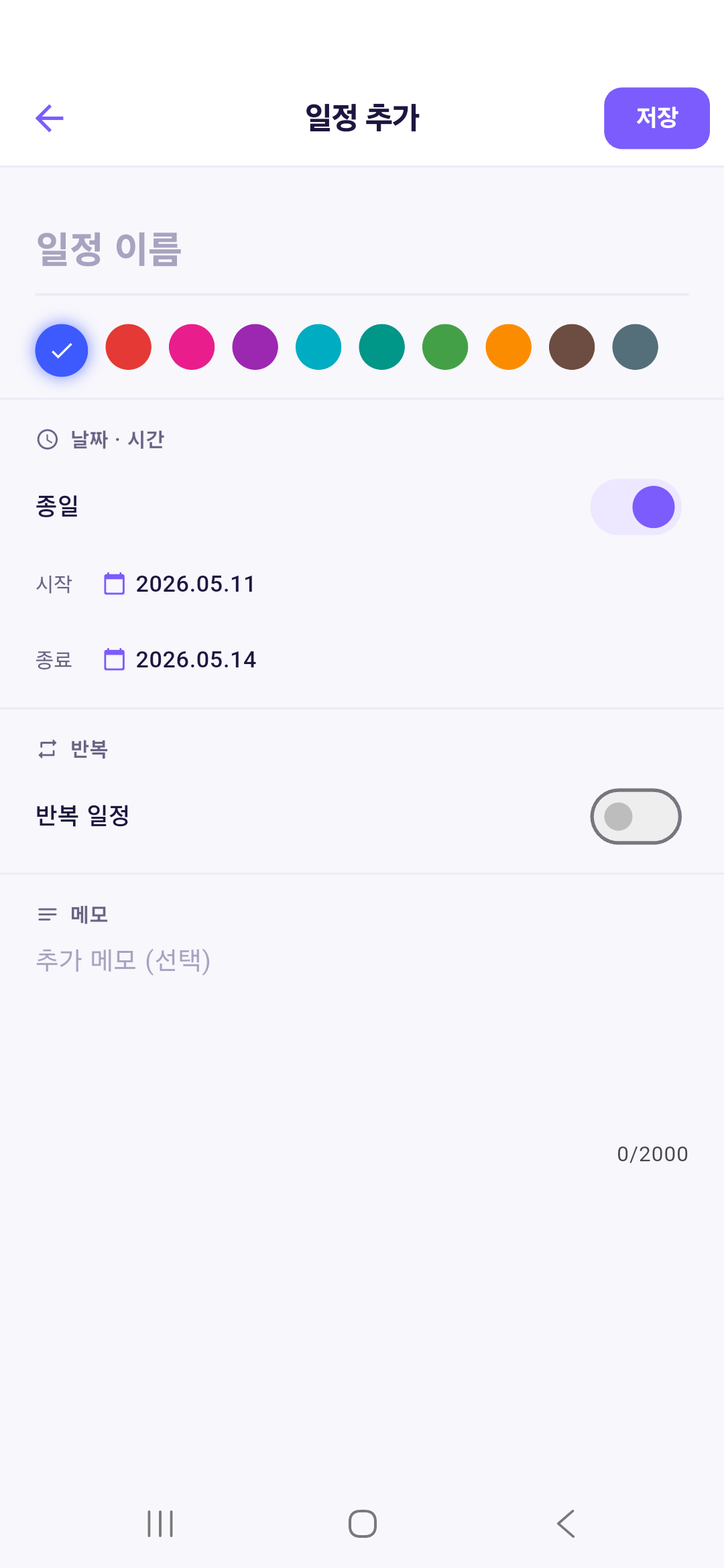
- Adds, edits, and deletes events with a title, date and time, all-day option, memo, and color.
- Recurring events
- Supports daily, weekly, monthly, and yearly repeats with a repeat end date.
- Multi-day event bars
- Shows overlapping multi-day events as bars on separate rows of the weekly grid.
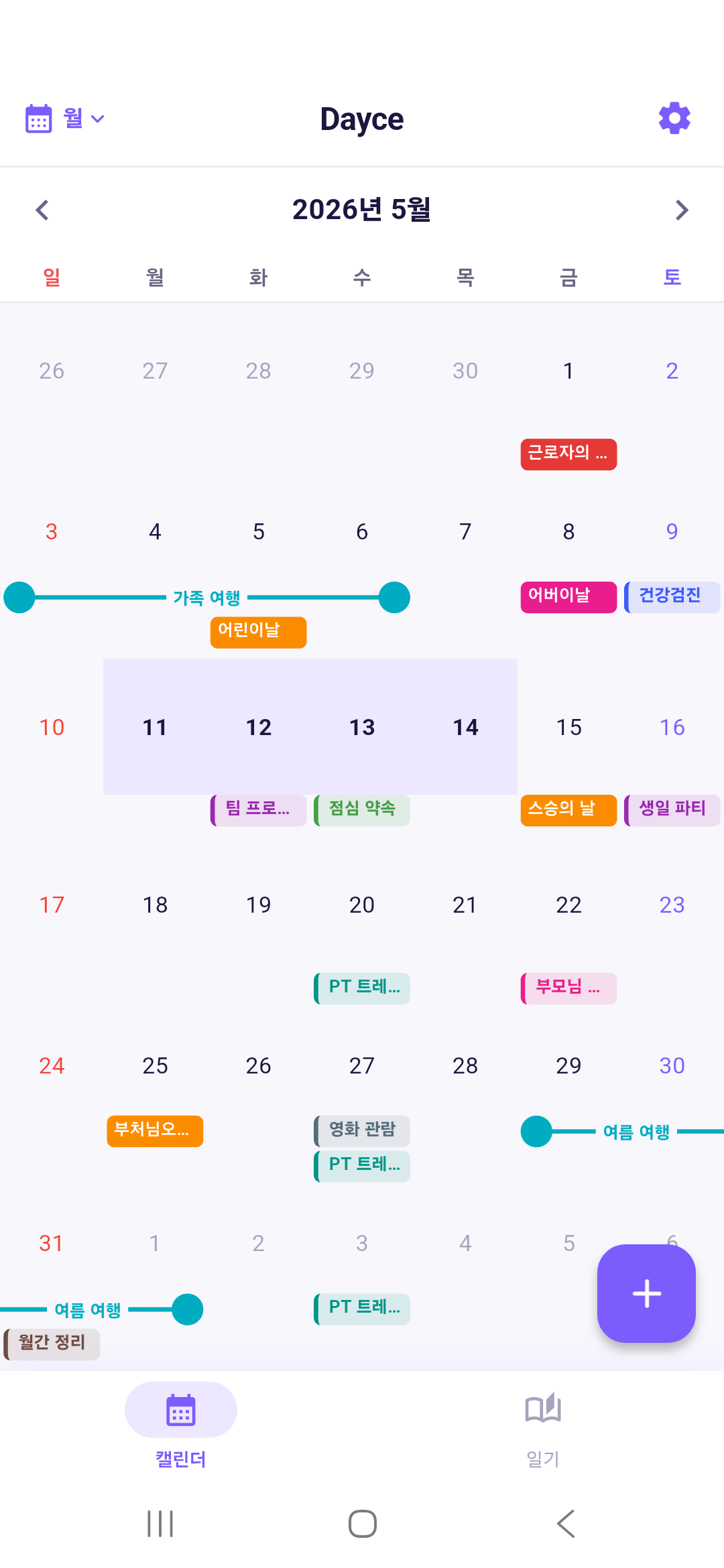
- Drag to select a range
- Long-pressing and dragging across dates opens an event form filled with that range.
- Day timeline
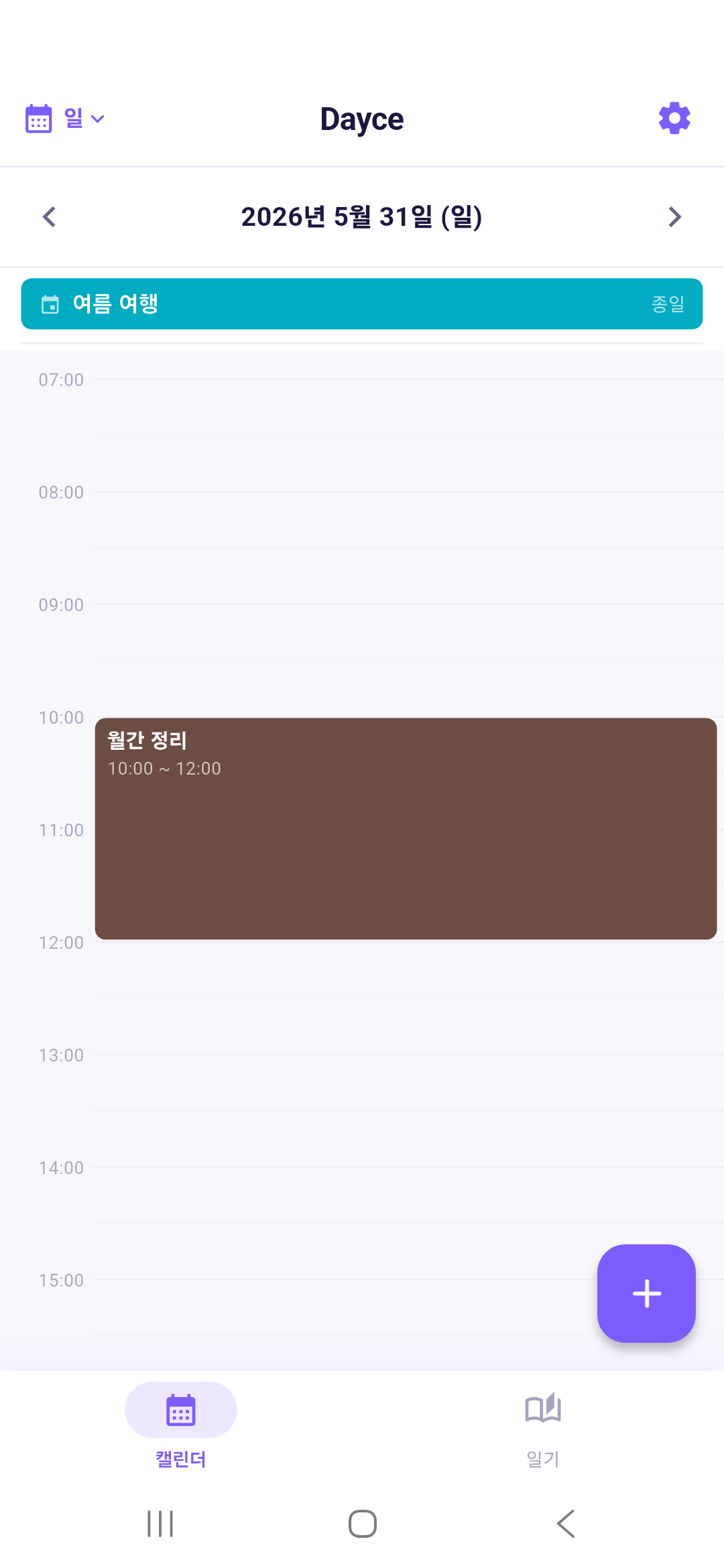
- Shows all-day events as banners and timed events on a timeline, placing overlapping ones side by side.
- Daily diary
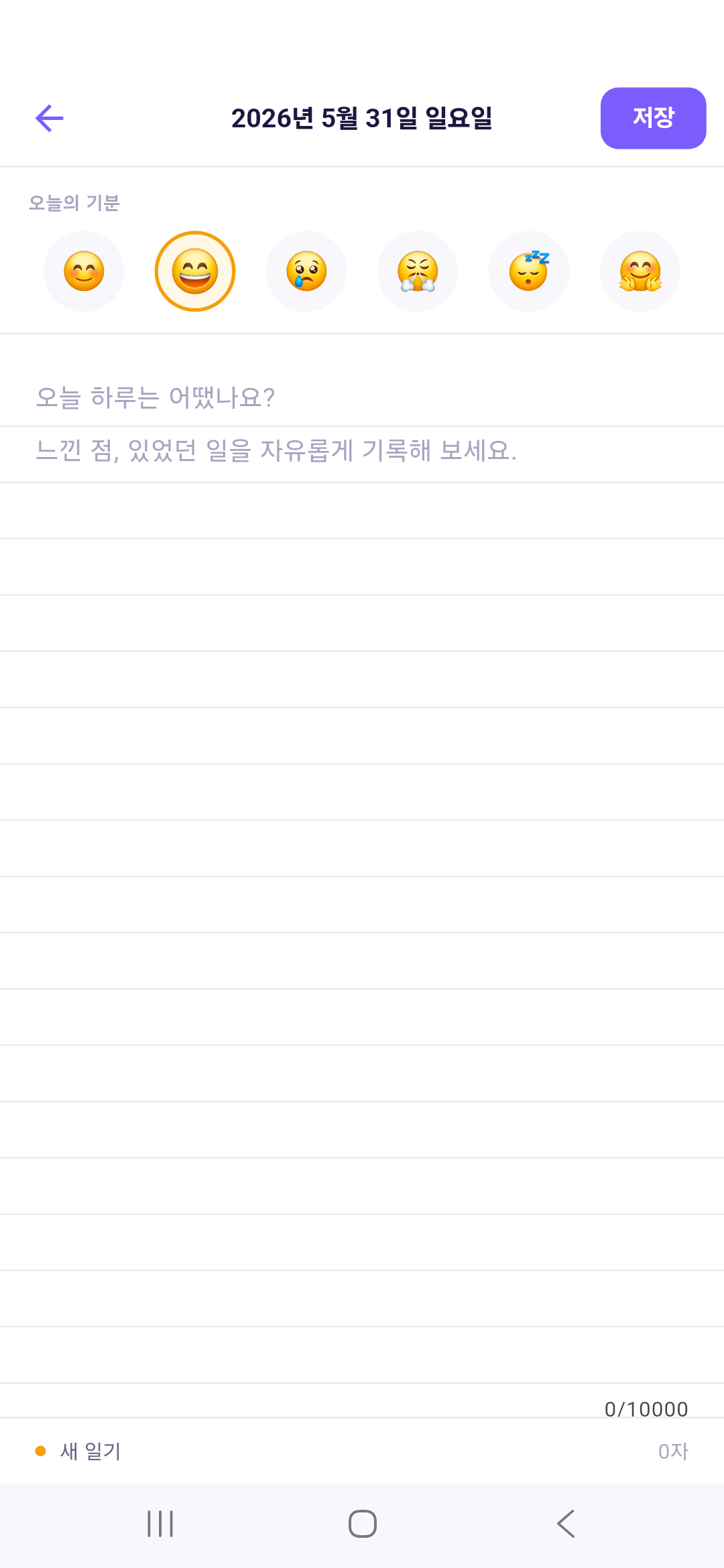
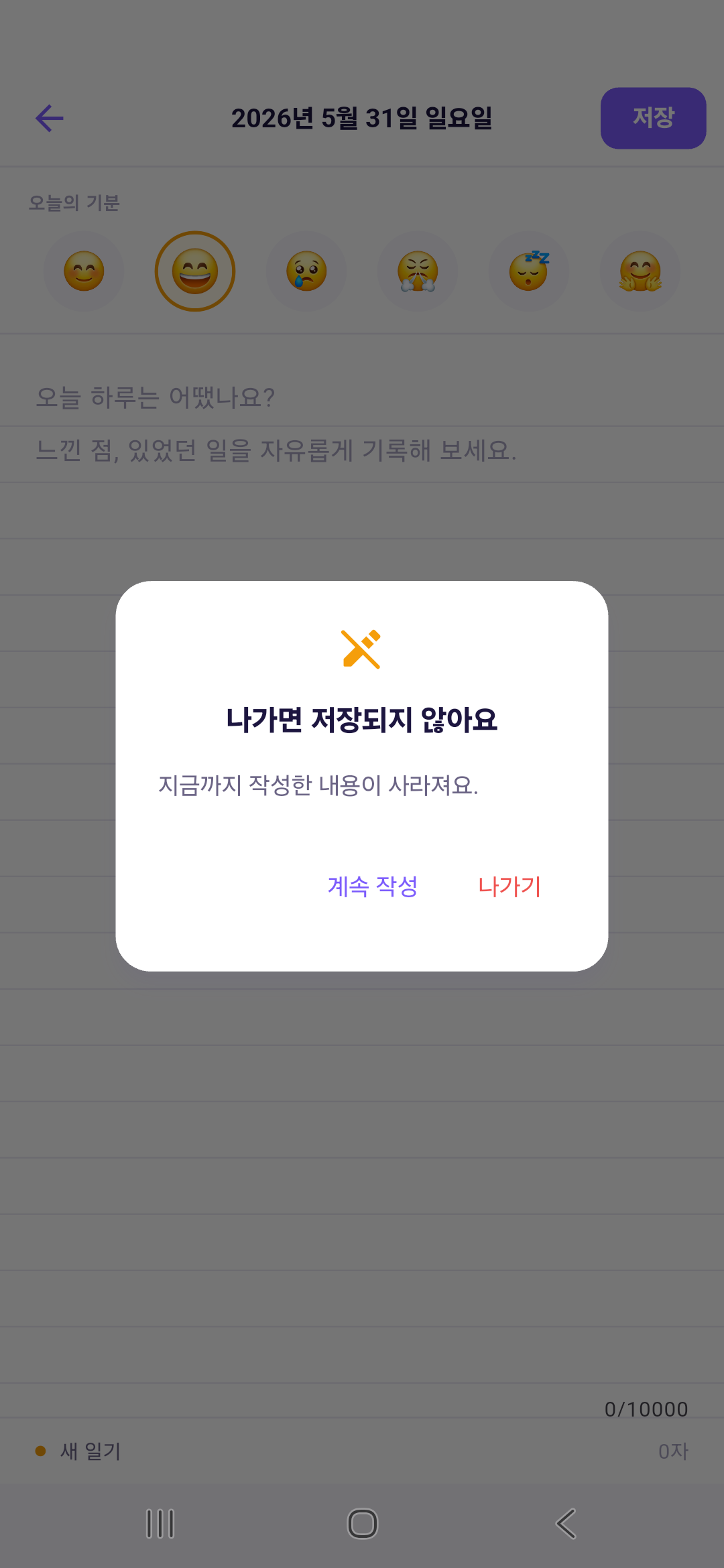
- Writes one entry per day with a mood emoji and warns before leaving without saving.
- Diary list
- Groups entries by month and narrows them with month filters.
- Settings
- Saves the default view, week start day, default event color, ruled-line background, and default mood.
Tech Stack
Language
- Dart
- The Flutter app’s code
Mobile
- Flutter
- Day/week/month/year calendars, event and diary forms, the diary list and settings screens
Database
- SQLite
- Stores events and diary entries on the device (sqflite), with DB version 1→3 migrations
Other projects using the same technologyGUDORYLocal QuestHello Vibe
Architecture
Flutter screens read and write on-device SQLite and the settings store directly through DatabaseService (sqflite) and SettingsService (shared_preferences). The app uses no server or external API.
Problems & Solutions
Problem
App screens overlapped the system navigation bar
Solution
Turned off Android edge-to-edge and applied SafeArea to the form and settings screens
Outcomes
- Entered in 2026 NE:XT CONTEST
- Produced a demo video and published it on YouTube
- Published an Android APK (Dayce 1.0.0) on GitHub Releases
Learnings
- My first app project and my first time using Flutter and Dart
- Experienced firsthand that vibe coding can produce a working app without prior knowledge